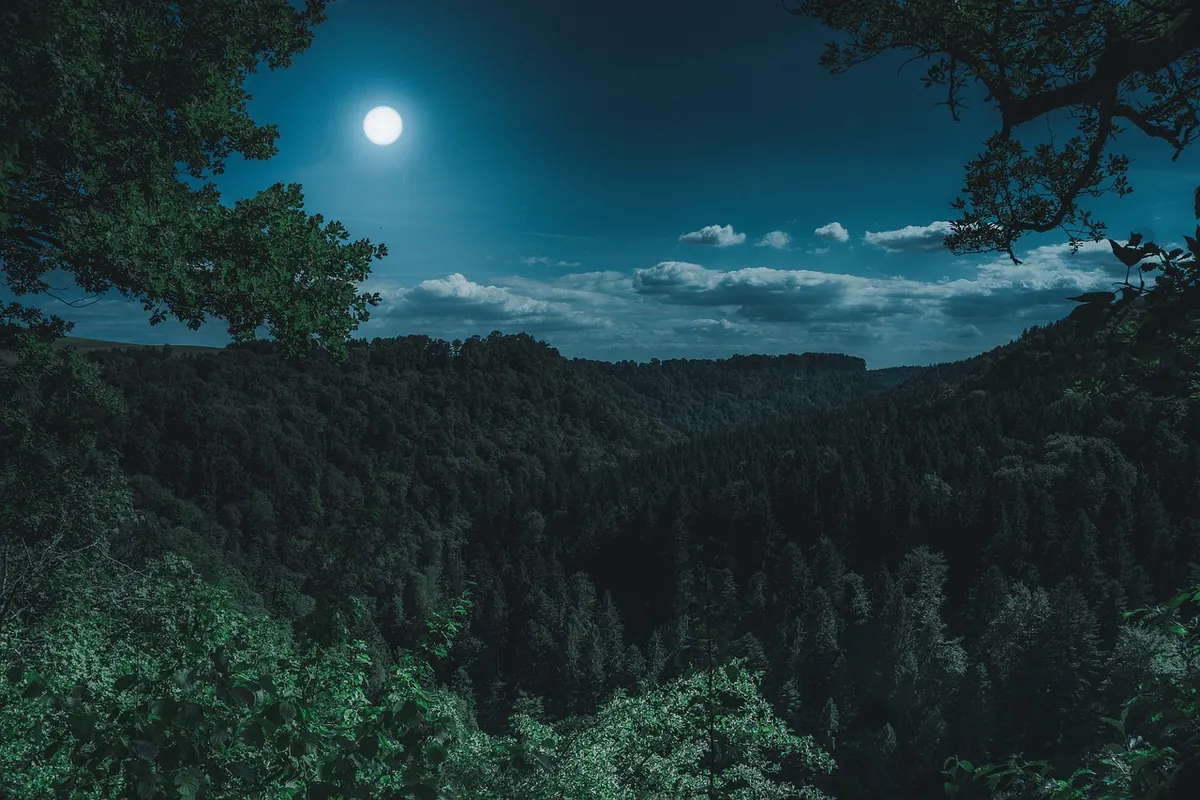
The full moon is the most photographed object in the night sky and, for a beginner with a kit lens, one of the most frustrating. It looks huge and detailed to your eye, then arrives on the memory card as a small white blob with no craters. Nothing is wrong with your camera. The problem is that the moon is a sunlit rock in a black frame, and every automatic decision your camera makes is calibrated for a subject that is not lit like that.
The good news is that this is a solvable problem, and you can solve it in one evening with the gear in your bag. You do not need a telescope, a star tracker or an expensive prime lens. You need a clear night, a tripod, twenty minutes of patience and a handful of settings you will use every single time.
Pick the Right Night and the Right Hour
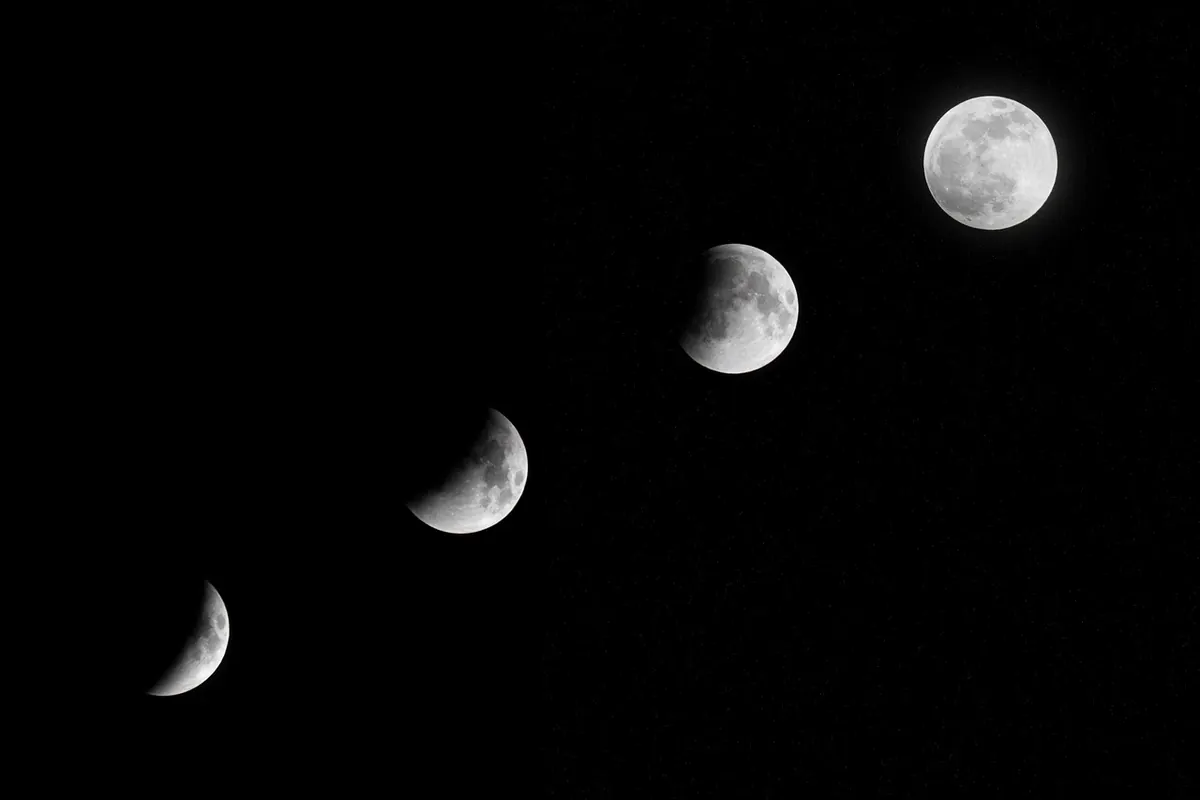
The moon is technically full for only an instant, but it looks full for roughly three nights. Shoot the night before the official full phase if you can: a thin sliver of shadow along one edge adds contrast and makes craters near the limb easier to see, and it makes focus far less guesswork.
Timing matters more than most people expect. When the moon sits low over the horizon, you are looking through a long column of moving air, and the image will ripple and soften no matter how good your technique is. Wait until it is at least twenty or thirty degrees above the horizon. That is roughly the height of two or three outstretched fists held at arm's length. The moon will look smaller than it did at moonrise, which is an illusion, but it will be sharper.
Check the forecast for cloud, but also for haze and wind. A clear but hazy sky scatters light and turns the disc into a soft, glowing coin. Wind is worse, because it shakes the tripod. A cold, still, transparent night is worth waiting a week for.
Gear: What Actually Matters
Almost everything here is optional except the first two items.
- Any DSLR body. A crop sensor is an advantage here, since it magnifies your lens by 1.5x or 1.6x for free.
- The longest lens you own. A kit 55–250mm or 70–300mm zoom is ideal. At 55mm the moon is a small dot in the frame; at 250–300mm it fills roughly a tenth of the frame height, which is enough to show real detail.
- A sturdy tripod. Not a travel tripod with the centre column cranked up, if you can avoid it.
- A remote release, or nothing at all. Your camera's two-second self-timer does the same job.
- A spare battery. Live view, which you will be using, drains a battery noticeably faster than normal shooting.
- A lens hood. It keeps stray light from a porch lamp off the front element.
Skip the polarizing filter, the ND filter and any UV filter you were sold as protection. Extra glass in the optical path does nothing useful at night.
Exposure Settings That Work
Here is the mental shift: the moon's surface is lit by direct sunlight, so it is roughly as bright as a grey rock at noon. Your camera sees a tiny bright object surrounded by black sky and tries to average the two, which blows out the moon into a featureless white disc. Set the camera to manual and take that decision away from it.
A reliable starting point
Set ISO 100, an aperture of f/8, and a shutter speed of 1/125 second. That combination works for the full moon on most lenses and most nights. If your image is too dark, open up to f/5.6 or drop the shutter to 1/60 before you touch the ISO. If it is too bright, go to 1/250 or f/11. There is an old rule of thumb called the Looney 11 rule: at f/11, use a shutter speed of 1/ISO. At ISO 100 that means 1/100 second.
Two more settings earn their keep. Switch to spot metering so the camera reads the disc rather than the whole frame, and turn off auto ISO so the camera cannot quietly raise sensitivity to 6400 while you are not looking. Shoot RAW. The moon is a high-contrast subject and you will want the extra latitude when you process it.
Reading the histogram
Do not trust the image on the rear screen, which is almost certainly set too bright. Bring up the histogram and look for a single tall spike against a large black background. You want that spike sitting comfortably inside the right-hand edge, not jammed against it. Err slightly to the left: a moon that looks a touch dark on the back of the camera usually holds the most crater detail, and you can lift it later.
If you have time, bracket three frames at half-stop intervals. One of them will be right, and comparing them teaches you more about exposure than any tutorial.
Focus: Where Autofocus Gives Up
A bright, low-contrast disc floating in an empty frame is close to the worst target you can hand an autofocus system. It will hunt, lock onto nothing, and sometimes report success while being visibly out of focus. And no, the infinity mark on your lens barrel is not trustworthy; it is a manufacturing convenience, not a precision setting.
Use live view instead of the viewfinder. Point at the moon, magnify the display to 10x, and manually turn the focus ring until the edge of the disc is as crisp as you can make it. On a truly full moon there are few shadows, so use the limb and the brightest crater rays as your reference. If you prefer autofocus, focus on the moon first, then flip the switch on the lens to manual before you shoot, so nothing changes between frames.
A tip that saves whole evenings: focus is the last thing you do before pressing the shutter, not the first. Lenses shift as they cool, and a rig set up at sunset may be slightly off an hour later. Check focus again after twenty minutes outside.
Stabilization and the Small Mistakes That Blur a Moon
Image stabilization is designed to correct for hand shake, and it can introduce a tiny drift when the camera is perfectly still on a tripod. Turn it off. Then remove every other source of vibration you can:
- Lower the centre column and spread the legs rather than raising the tripod to eye level.
- Use the two-second timer or a remote, never a finger on the shutter button.
- Enable mirror lock-up if your DSLR has it, so the mirror slap happens before the exposure.
- Hang a bag from the tripod hook on windy nights, or shield the setup with your body.
- Do not walk around the tripod while the exposure is running, and do not rest a hand on the barrel.
Handheld shots are possible at 1/500 second or faster, and modern stabilization helps, but the keeper rate is far lower. If you are chasing detail, use the tripod.
From Single Frame to Stacked Shot
Composition is mostly a matter of scale. A moon centred in a black frame looks like a specimen photograph, which is fine for studying craters. Placing it slightly off centre, with a little dark space to one side, usually looks better on a wall. If you want the classic big-moon-over-a-skyline shot, understand that almost all of those images are composites: one exposure for the landscape and one for the moon, blended later. That is a legitimate technique, but it is a different project from what this guide covers, and it is worth being honest about which one you made.
For maximum detail, shoot twenty or thirty frames in a row without changing anything, then stack them in free software such as Autostakkert, RegiStax or Sequator. Stacking averages out atmospheric turbulence and reduces noise, and the result is noticeably cleaner than any single frame. In processing, keep it simple: set white balance to daylight, nudge contrast and clarity sparingly, and apply sharpening in small amounts. Over-sharpened moons develop bright halos along the limb that are hard to remove once baked in.
And if your first attempt produces a small white circle, keep it. Then go back out the next clear night and try again. The moon comes around every month.
A Field Checklist
- Wait until the moon is at least twenty degrees above the horizon.
- Mount the camera on a tripod, turn stabilization off, and set the self-timer to two seconds.
- Manual mode, ISO 100, f/8, 1/125 second, spot metering, RAW.
- Live view at 10x magnification, focus manually on the limb, then leave the ring alone.
- Check the histogram, bracket a few frames, and shoot a run of twenty for stacking.
- Refocus before you pack up, and note the settings that worked for next month.
Photo: flo222 / Pixabay